
Plan Trips with RVGather
Learn how to create an RV trip, add stops from the map, compare planning views, review trip details, print a PDF itinerary, and share selected stops with friends using RVGather.
RVGather Matchmaker: Find Friends Who Share Your Interests
Use RVGather Matchmaker to discover RV travelers who share your interests. Build your profile, choose what to share, review potential matches, and connect with new friends before your paths cross.
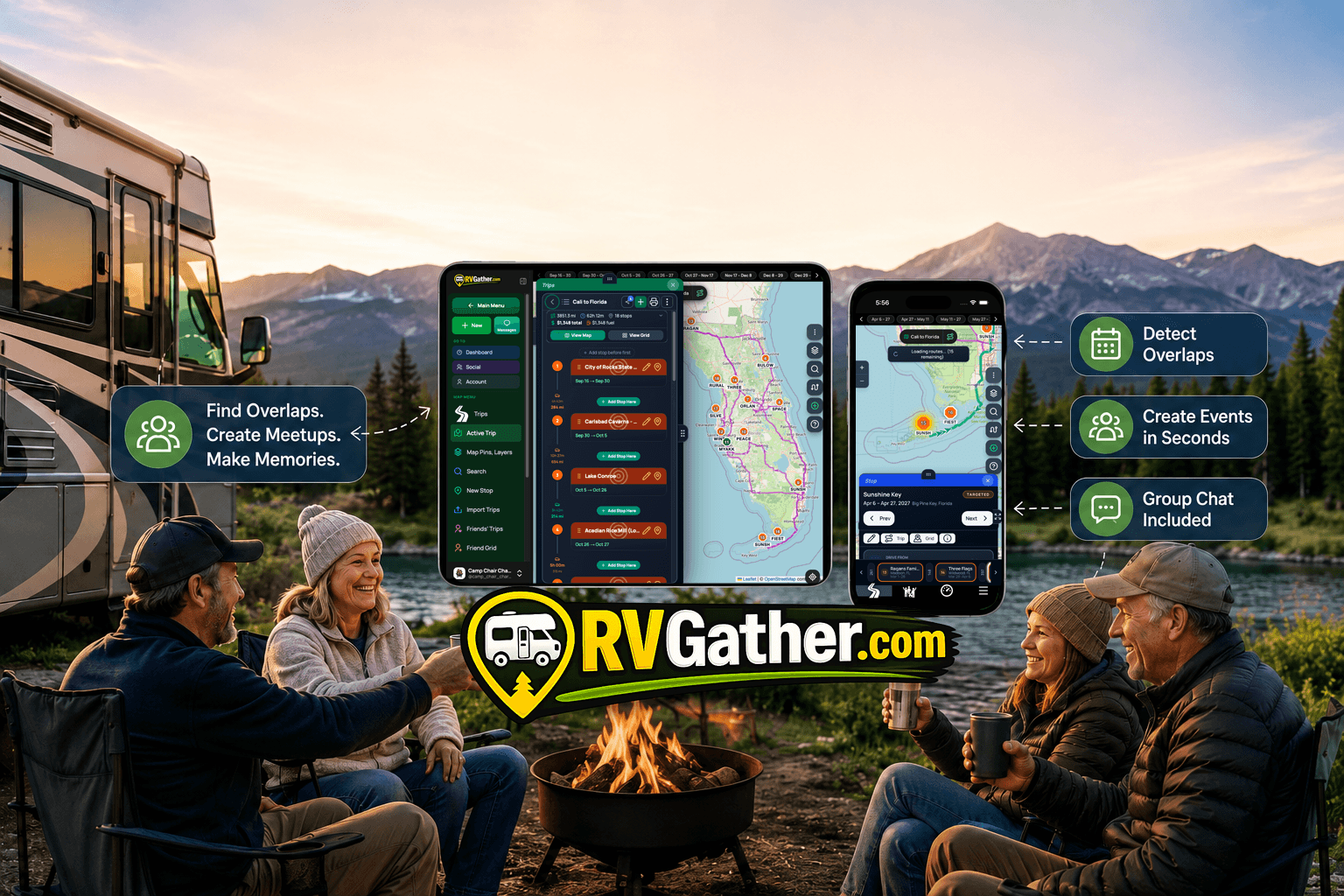
See Friends Overlaps. Never Miss Another RV Meetup Again!
Connect with fellow RV travelers
See Friends Overlaps. Never Miss Another RV Meetup Again
See where your RV travel plans overlap with friends, create campground gatherings, chat before you arrive, and turn shared trips into unforgettable meetups with RVGather.com.

Built in the Same Parks You Call Home.
No investors. Built by RVers living the same lifestyle — in the same parks, on the same roads.
Getting Started
in 5 Steps
Connect with fellow RV travelers
Getting Started with RVGather — 5 Simple Steps
Getting Started with RVGather — 5 Simple Steps. Everything you need to know to start managing reservations, connecting with friends, and coordinating camping trips.
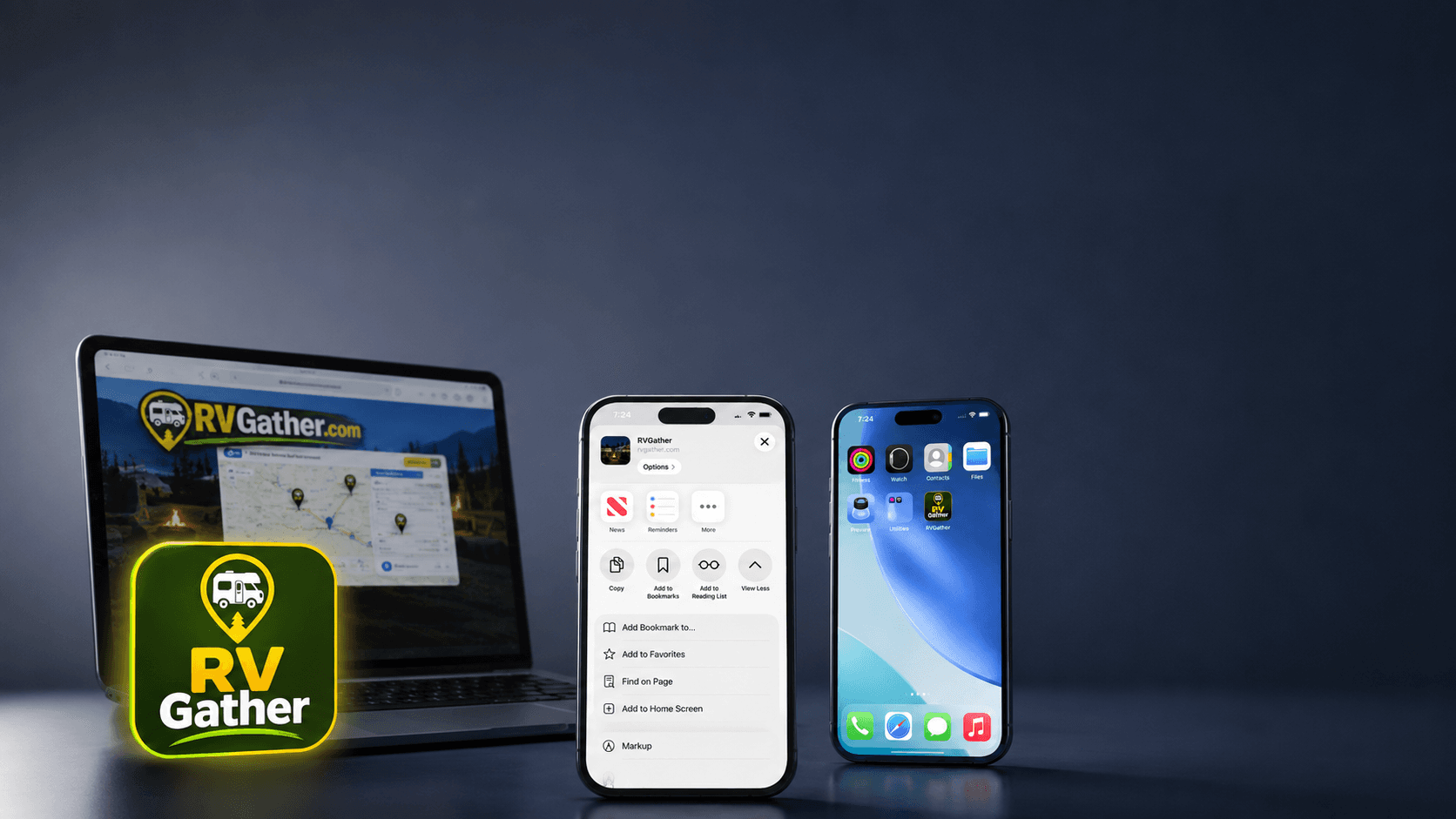
Install RVGather on your iPhone or iPad and open it just like a regular app.
Install RVGather on your iPhone or iPad and open it just like a regular app. In this quick tutorial, you’ll learn how to: • Open the RVGather installation instructions • Tap the Apple Share button • Select View More • Choose Add to Home Screen • Keep Open as Web App turned on • Add RVGather to your Home Screen No App Store download is required. Visit RVGather.com to start planning trips, finding travel overlaps, and connecting with other RV travelers.
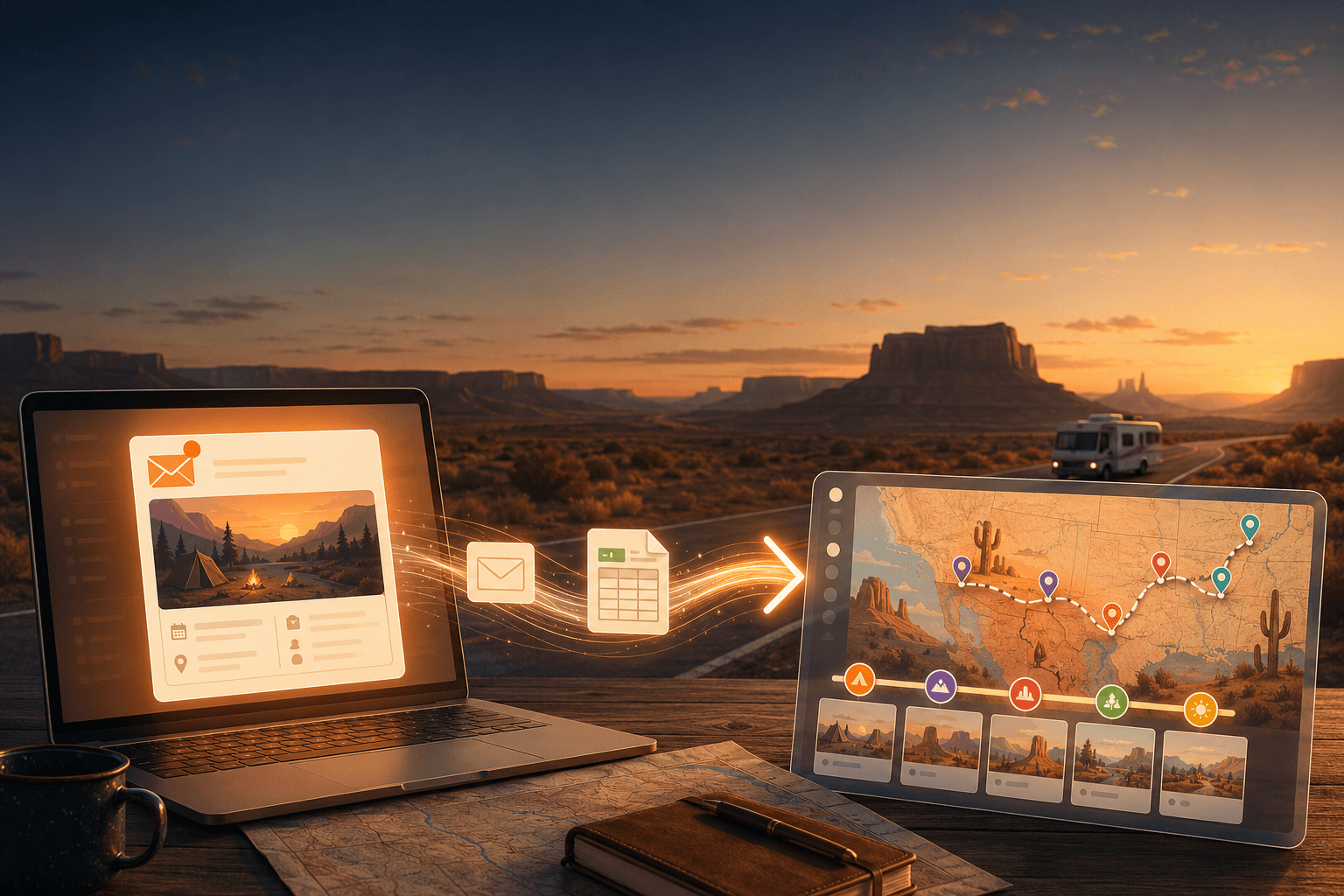
Import Your
RV Trips
Into RVGather, Instantly
Connect with fellow RV travelers at parks near you
Import your trips into RVGather.com
Export from TripWizard and Import into ProcrastiCamper. If you have trips in Trip Wizard and you want to share them with friends and community in ProcrastiCamper, the process is straightforward. Export your trip as Excel, then import it into your reservation timeline.